Using LightBroom
Turn it on, watch the light flow with gravity, then sweep to make it sparkle.
Turn it on
Press and release the button. The broom runs its startup animation, then briefly shows the battery level. After about 2.5 seconds, the battery display clears and the normal lights begin. A short press dismisses the battery display sooner.
Let the light flow
Tilt the broom head. The light flows with gravity toward the lower side of the head. Change the angle to move the light around the broom.
Sweep to sparkle
Put the broom on the ice and sweep. As you keep sweeping, the lights grow brighter and begin to sparkle. When you slow down or stop, the sparkle fades back to the flowing light.
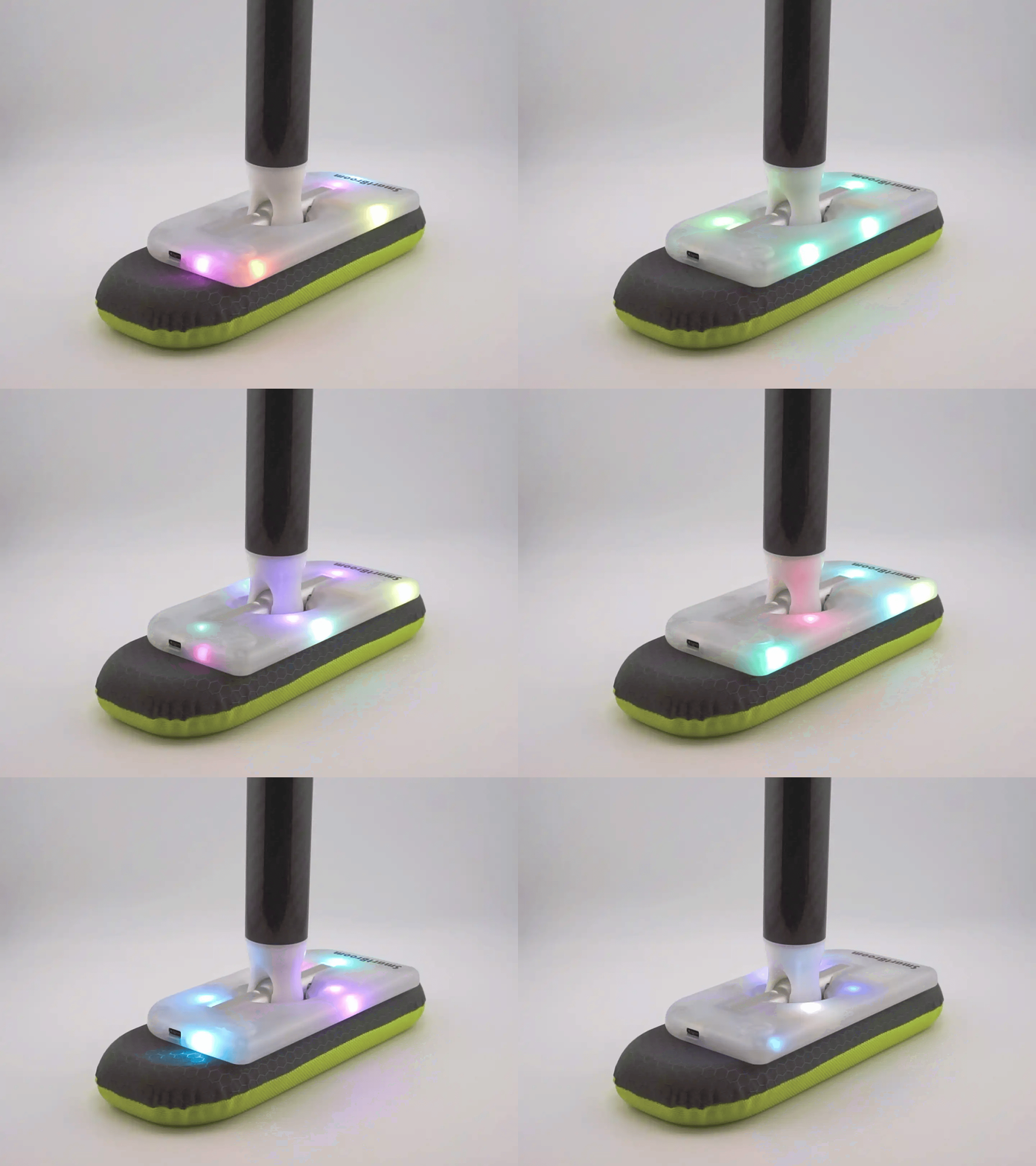
Choose rainbow for multicoloured lighting, or pick a single colour. See Choosing Colours for the button steps.
Turn it off
Hold the button for about 1.5 seconds. Two red lights briefly indicate shutdown. If you have just been choosing a colour, let the selection display close before holding the button.
LightBroom also switches off after about one minute of inactivity. Shake it to wake it after automatic shutoff. If you switched it off with the button, or the battery is below 10%, use the button to turn it on instead.
See Charging to read the battery indicators or recharge your broom.